
OCPP WS BOARD
Real-time telemetry dashboard for ocpp-ws-io — monitor connections, inspect OCPP messages, view server logs, and track charging station metrics.
OCPP WS Board
ocpp-ws-board is a production-ready real-time dashboard for monitoring your OCPP charging infrastructure. Built with React, Hono, and Server-Sent Events.
Ships as both a pre-built UI and a pluggable Node.js backend. Embed into Express, Hono, or NestJS with a single line of code.
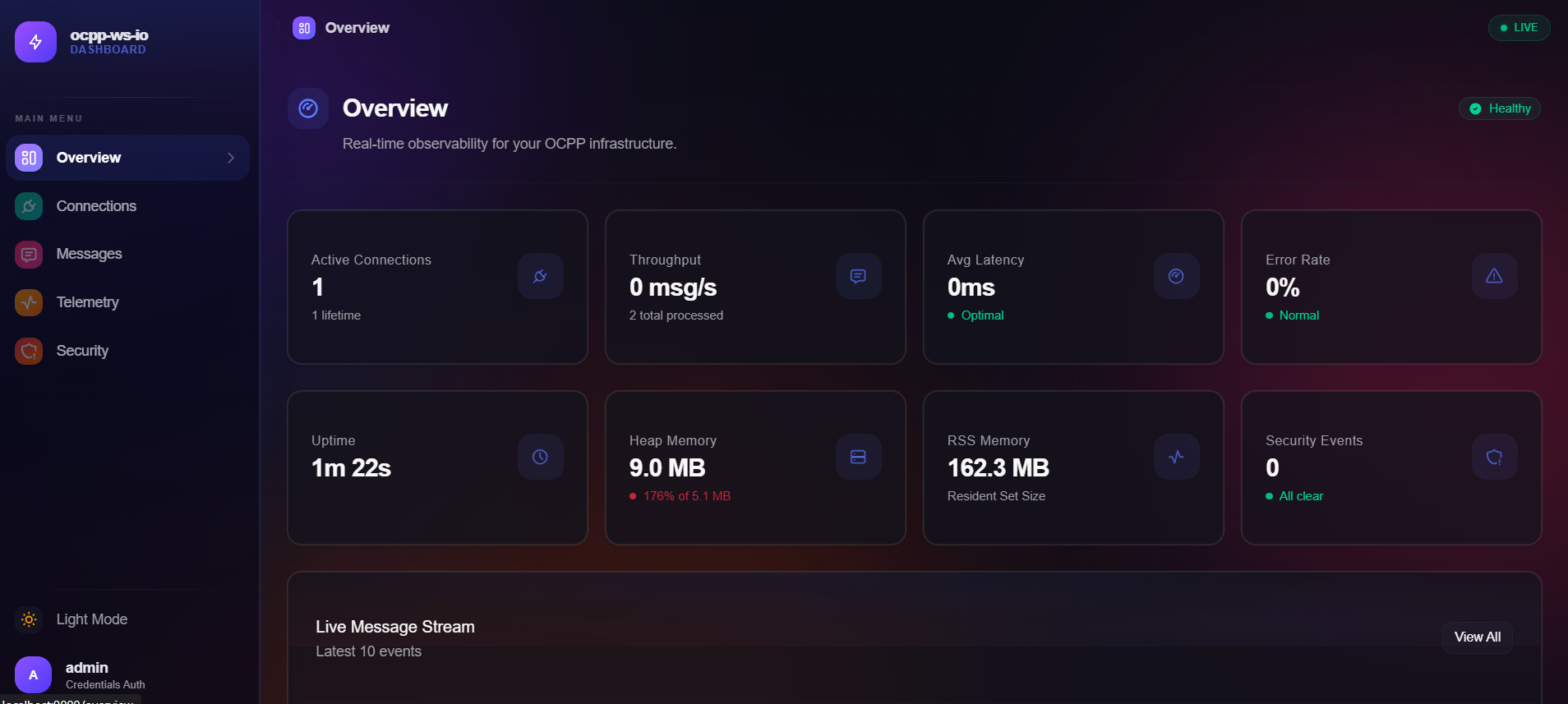
Dashboard Overview
Features
📡 Real-time Message Inspector
Deep packet inspection of OCPP 1.6J and 2.0.1 payloads with live filtering.
🔌 Connection Monitoring
Track all connected charging stations with real-time status and metadata.
📋 Server Logs Viewer
Terminal-style logs with auto-scroll, pause/resume, search, and export.
📊 Telemetry & Metrics
Real-time charts for throughput, latency, error rates, and memory usage.
🔒 Security Events
Monitor authentication failures, rate limiting, and policy violations.
🎨 Multi-Framework Support
Adapters for Express, Hono, and NestJS.
Key Screens
Overview Dashboard
High-level statistics, recent messages, and quick connection status.
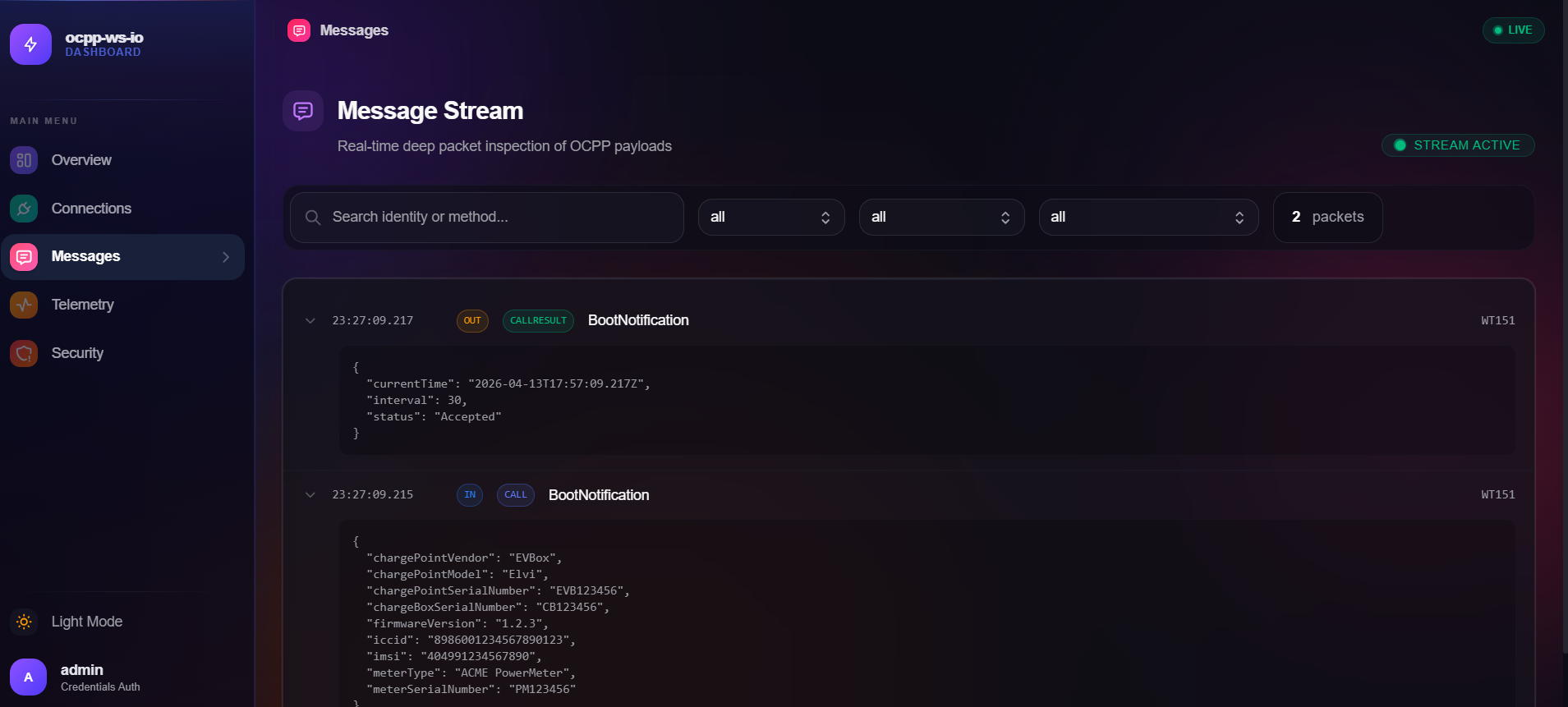
Message Inspector
Real-time OCPP message stream with filtering by method, direction, and type.
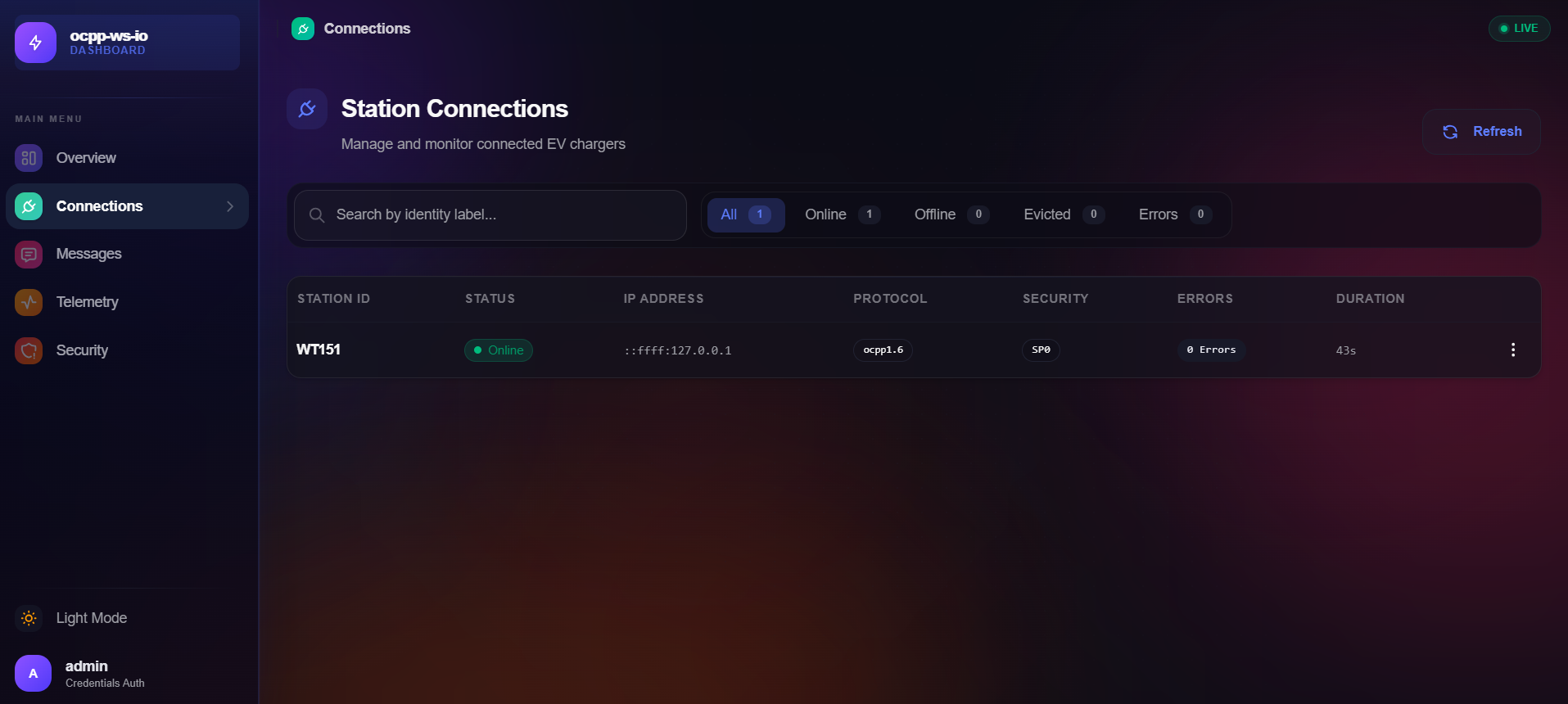
Connection Monitoring
View all connected charging stations with details and control options.
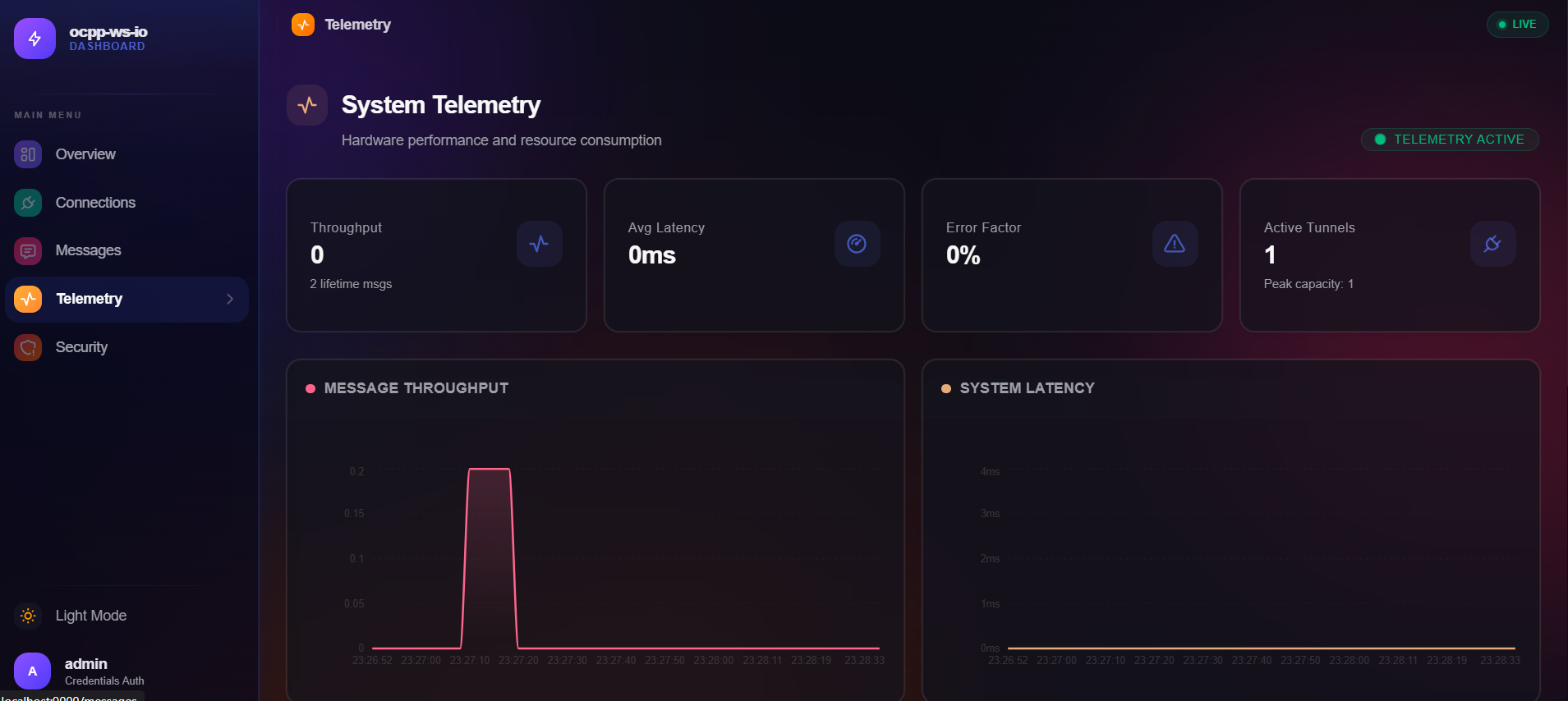
Telemetry & Metrics
Real-time performance charts for messages per second, latency, and memory usage.
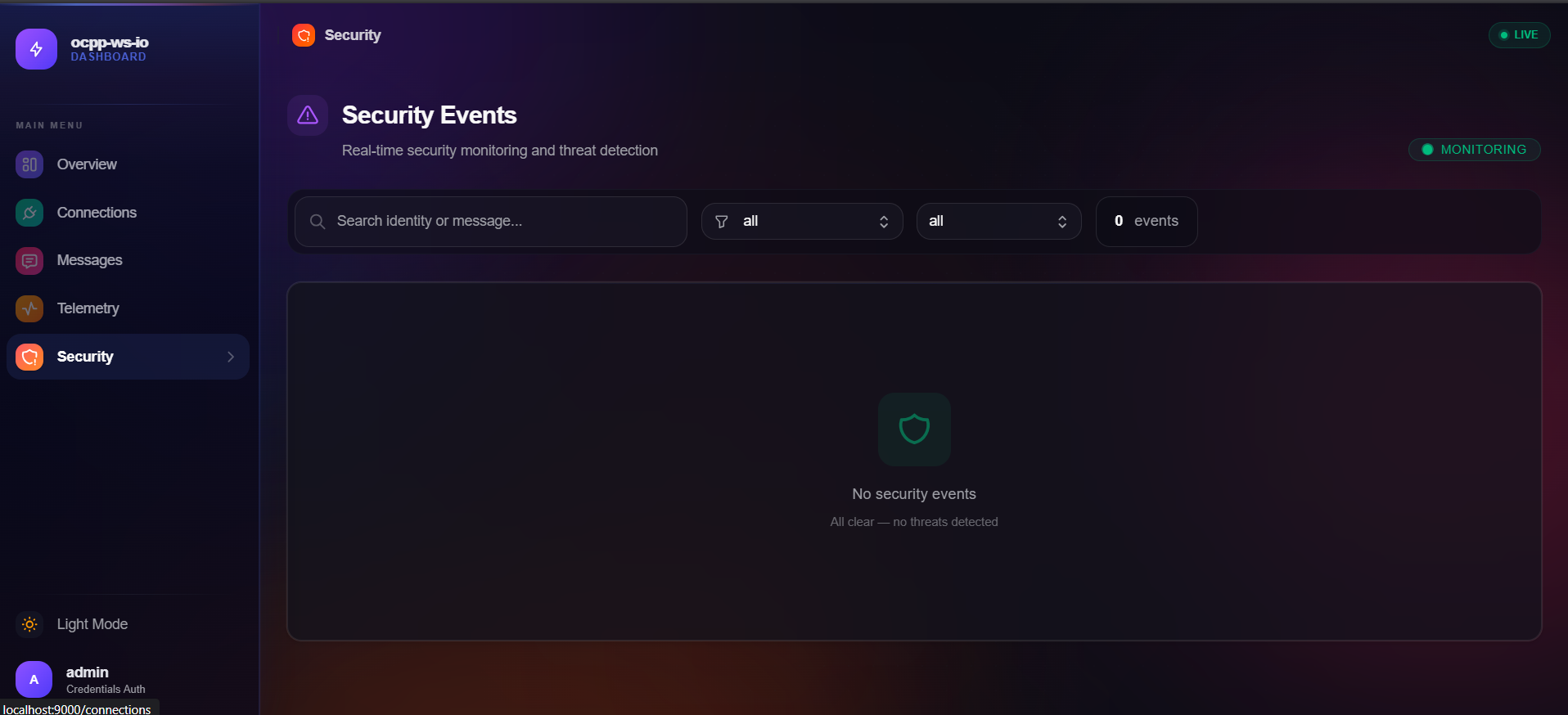
Security Events
Monitor authentication failures, rate limiting, and policy violations.
Quick Start
Install the Package
npm install ocpp-ws-boardCreate the Board
import { OCPPServer } from "ocpp-ws-io";
import { createBoard } from "ocpp-ws-board";

const server = new OCPPServer({
  protocols: ["ocpp1.6"],
});

const board = createBoard({
  auth: { mode: "token", token: "my-secret-token" },
  store: {
    maxMessages: 5000,
    maxProxyEvents: 1000,
  },
});

// Register the OCPP plugin for passive observability
server.plugin(board.plugin);
Set Up OCPP Routes
server.route("/ocpp/:identity").on("client", (client) => {
  client.handle("ocpp1.6", "Heartbeat", () => ({
    currentTime: new Date().toISOString(),
  }));

  client.handle("ocpp1.6", "BootNotification", () => ({
    currentTime: new Date().toISOString(),
    interval: 30,
    status: "Accepted",
  }));
});
Start the Servers
// Start OCPP server
server.listen(5000);

// Start dashboard UI (Bun)
Bun.serve({ fetch: board.app.fetch, port: 9000 });

console.log("OCPP server on :5000");
console.log("Dashboard UI on http://localhost:9000");
Authentication
const board = createBoard({
  auth: { mode: "token", token: "my-secret-token" },
});
For development only: auth: { mode: "none" } — never use in production!
Leaving auth out is the same (since 1.0.1): anyone who can reach the board
can use it, the Command Center included.
Store Configuration
Control memory usage with configurable ring buffers:
const board = createBoard({
  store: {
    maxMessages: 5000,          // OCPP message history
    maxProxyEvents: 1000,       // Protocol proxy events
    maxSmartChargeHistory: 500, // Smart charging sessions
  },
});